Lawyer Apps

By Joan Feldman | 2026
The modern practice of law is no longer tethered to a physical desk or a corporate office suite. Whether you are running a file review between courtroom appearances, checking deposition details from transit, or reviewing client documents from a remote workspace, your smartphone and tablet are now fully operational extensions of your firm. However, downloading random software tools into your mobile ecosystem without clear utility creates a cluttered screen and dangerous security vulnerabilities.
At Attorney at Work, we look beyond basic app store descriptions to evaluate lawyer apps based on strict professional utility, ease of use, and compliance frameworks. A truly mobile practice requires tools that integrate with your primary desktop systems, automate routine communications, and securely handle sensitive case documents on the go. Moving away from administrative chaos requires curating a streamlined mobile toolkit designed to handle complex work whenever inspiration or necessity strikes.
Our expert content breakdowns, software comparisons, and configuration tutorials give you the exact blueprint needed to transform your mobile devices into secure, high-efficiency legal engines.
To build a professional mobile workspace that maximizes billable capture and eliminates administrative friction, focus on four key app quadrants:
Mobile Document Management & Review Tools: Lawyers deal with a massive volume of specialized documentation that requires careful editing away from the desk. True mobility requires advanced formatting and review control. Utilizing robust PDF markup and document processing programs, such as mastering how to apply Bates numbering using Kofax Power PDF, gives you complete control over your file sets across any portable device.
Asynchronous Communication & Automation Tools: Endless phone tag and clogged messaging threads waste precious hours of a litigation schedule. Modern practices offload routine administration to dedicated, self-service applications. Integrating specialized personal productivity apps for busy lawyers—like Calendly for automated scheduling or Slack and Teams for centralized business chat—eliminates communication lag and keeps matters moving smoothly.
On-the-Go Billing and Real-Time Time Tracking: Forgetting to record brief client phone calls or remote email replies costs small and mid-sized firms thousands in lost revenue every month. Protecting your profitability requires friction-free data entry tools. Deploying specialized legal apps for running tech-forward law firms—including secure mobile payment portals like LawPay and agile cloud timers—ensures every billable minute is accurately captured right as it happens.
Next-Generation Mobile AI & Dictation Tools: The cutting edge of mobile legal tech relies on highly sophisticated voice-capture tools that can turn spoken ideas into structured legal copy instantly. Modern systems bypass traditional typing constraints entirely. Moving from basic dictation software to advanced applications, such as realizing why lawyers prefer Claude AI for processing long files or using voice-to-text recorders like Wispr Flow, accelerates your brief writing and case organization.
The value of your mobile device isn’t measured by how many apps you have downloaded, but by how reliably those applications talk to one another. Using separate, disconnected apps for time tracking, document notes, and secure client communication creates unnecessary friction and data silos.
When you intentionally configure your phone or tablet around a unified, cloud-secured group of programs, you regain total control of your schedule. Explore our comprehensive operating platform reviews, security guides, and practice area software picks below to safely run your firm from anywhere in the world.
What are the most essential productivity apps for mobile lawyers? The most essential mobile productivity tools include a secure cloud-based document viewer (such as GoodReader or PDF Expert), an automated appointment scheduling app (like Calendly), an encrypted password manager (like 1Password), a real-time time tracking interface linked to your case management database, and a highly secure communications app (like Slack or Microsoft Teams) to eliminate email fragmentation.
Is it ethically safe for attorneys to use consumer mobile apps for client data? It is only ethically safe if the application complies with your strict duty of confidentiality. General consumer applications often store data on unsecured servers or scan your uploaded documents to train public AI models. Lawyers must ensure that any app handling case files uses enterprise-grade encryption, offers clear user access privileges, and guarantees a closed data environment where client data is never sold or used for public software training.
How can mobile time-keeping apps improve a law firm’s bottom line? Mobile time-keeping apps eliminate the “forgetfulness gap,” which typically costs attorneys tens of thousands of dollars per year in unrecorded billable hours. By allowing a lawyer to immediately record telephone consultations, text responses, and document reviews on their smartphone while away from the office, these tools capture brief micro-tasks that are otherwise easily forgotten by the end of the day.

With fewer people in the office over the holidays, it can be hard to keep work moving efficiently. Today, there’s a whole host of mobility tools to alleviate the pressure when you need to get the same amount of work done with half the staff. ...
Jami Gyurci - December 21, 2017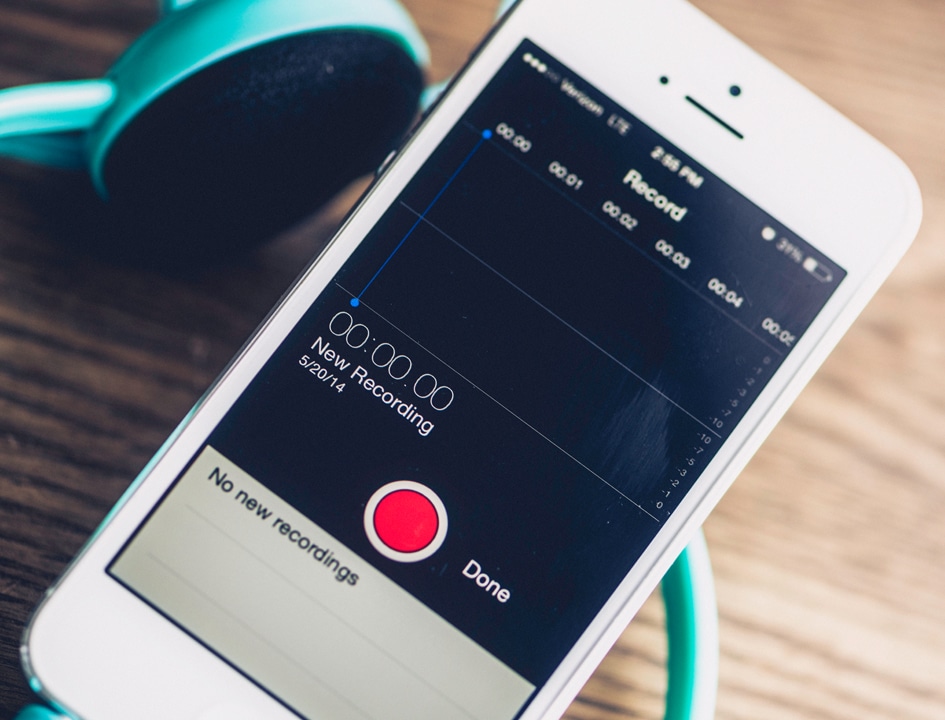
Many lawyers dictate their thoughts into a recording device, then send the recording to an assistant for transcription. This is a great time-saver for the lawyer. But the human transcriptionist today is gradually giving way to computer versions. ...
Luigi Benetton - June 20, 2017
How can you get the most from Microsoft Office 365's new features? Curious about all the new apps and add-ins popping up in the Office Store? For this edition of Tech Tips Friday, practice management technology experts Heidi Alexander, ...
Joan Feldman - April 28, 2017
Last week, we shared highlights of ABA TECHSHOW's exposition hall, with a big list of what's new in legal technology. Today, top practice management technology pros (including faculty and former ABA TECHSHOW chairs) share their personal favorite ...
Joan Feldman - March 28, 2017
When talking with lawyers about Evernote, I often get the same comment: “I heard it was a good productivity tool so I downloaded Evernote, but I haven’t figured out how to get started with it.” Fortunately, there are some simple ways to ...
Heidi Alexander - March 10, 2017
It starts with a simple request to your iPhone ("Siri, add an appointment to my calendar") or a command to your new Amazon Echo ("Alexa, add toner to my shopping cart"). Before you know it, the Internet of Things has slipped straight from your ...
Joan Feldman - March 3, 2017
In "Evernote vs. Quip: A New Productivity King?" I introduced you to Quip, the collaborative workspace app invented by former Facebook and Google executives. Quip's creators wanted teams to be able to collaborate and share information without ...
Daniel Gold - December 12, 2016
There’s ample evidence to suggest that lawyers — members of a profession that almost exclusively bills by the hour — are not doing everything they can to Automate Workflows and maximize their earnings. Clio’s recently released ...
Derek Bolen - November 18, 2016Technology continues to raise clients' expectations. They want improved performance, better communication, accurate billing and quicker results. Lawyers will fail to keep up with those expectations if they refuse to incorporate the necessary ...
Niraj Ranjan Rout - October 13, 2016
If you spend time typing, you’ve very likely found "copy and paste" to be two of your best friends, on any computer system. But if having one copied item available is good, wouldn’t more be better? I've discovered that clipboard managers can be ...
Matthew Yospin - September 20, 2016