

Lawyers are essentially professional writers. Last year, I saw my friend and New York Times best-selling author Scott Sigler speak at Phoenix Comicon about how he managed to be a prolific writer and handle the business side of being a ...
Ruth Carter - March 26, 2018
David Allen’s Getting Things Done productivity method has been wildly popular since its debut in 2001. "Capture" is one of the most important steps in the GTD process, and nothing captures ideas faster than pocket notebooks. I know, Evernote ...
Bull Garlington - February 15, 2018
Learning how to first identify and then modify the existing Styles in your document is a good first step to learning how Styles work in Microsoft Word. Master a few basics and you can quickly make global changes to elements like headings, page ...
Deborah Savadra - January 24, 2018
Remember the clickbait headline, "Sitting Is the New Smoking"? One of the latest iterations of the perennial office ergonomics conversation, it helped give rise to the notion of an "active workstation." I wish the headline jibed with reality. It ...
Luigi Benetton - January 12, 2018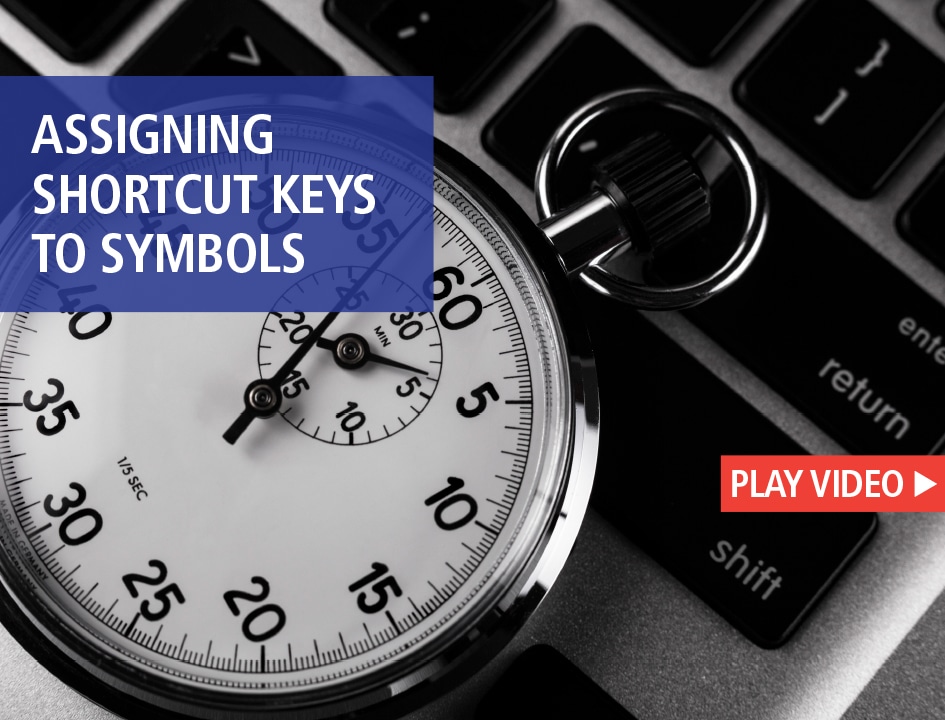
Inserting symbols like paragraph (∂), section (ß) or degree (∞) doesn't have to involve digging through the Insert Symbols dialog box every time. Instead, make a shortcut key so you can insert the symbol without ever taking your hands off the ...
Deborah Savadra - December 18, 2017
A few months back, Harvard Business Review published a terrific article titled "In a Distracted World, Solitude Is a Competitive Advantage." The authors reference numerous sources, from Yoda (Star Wars) to Eric Schmidt (Google) to David Rock ...
Paul H. Burton - December 6, 2017
What's worthy of your technology investment next year? We asked the practice management technology pros to recommend one good way for lawyers to upgrade their tech in 2018. Here's wise advice from practice management technology pros Heidi ...
Joan Feldman - December 1, 2017
Let's face it, a lot of the text in legal documents has been recycled from previous documents. If you're tired of searching for then copying and pasting common elements like signature blocks or notary acknowledgments from old documents, only to ...
Deborah Savadra - November 1, 2017
Computer scientist Tony Hoare said, “There are two methods in software design. One is to make the program so simple, there are obviously no errors. The other is to make it so complicated, there are no obvious errors.” Asana falls into the latter ...
Neil J. Squillante - October 27, 2017
Making any Microsoft Office application easier to use often involves tweaking the interface to suit your work style. Here's one of the quickest, easiest and most powerful tweaks you can make: tricking out each application's Status Bar.
Deborah Savadra - October 18, 2017